Ever been to a business event and struggled to get contact details across fast? Maybe they mistyped your phone number, or your paper card was lost before they entered your info. These little problems can mean lost business opportunities.
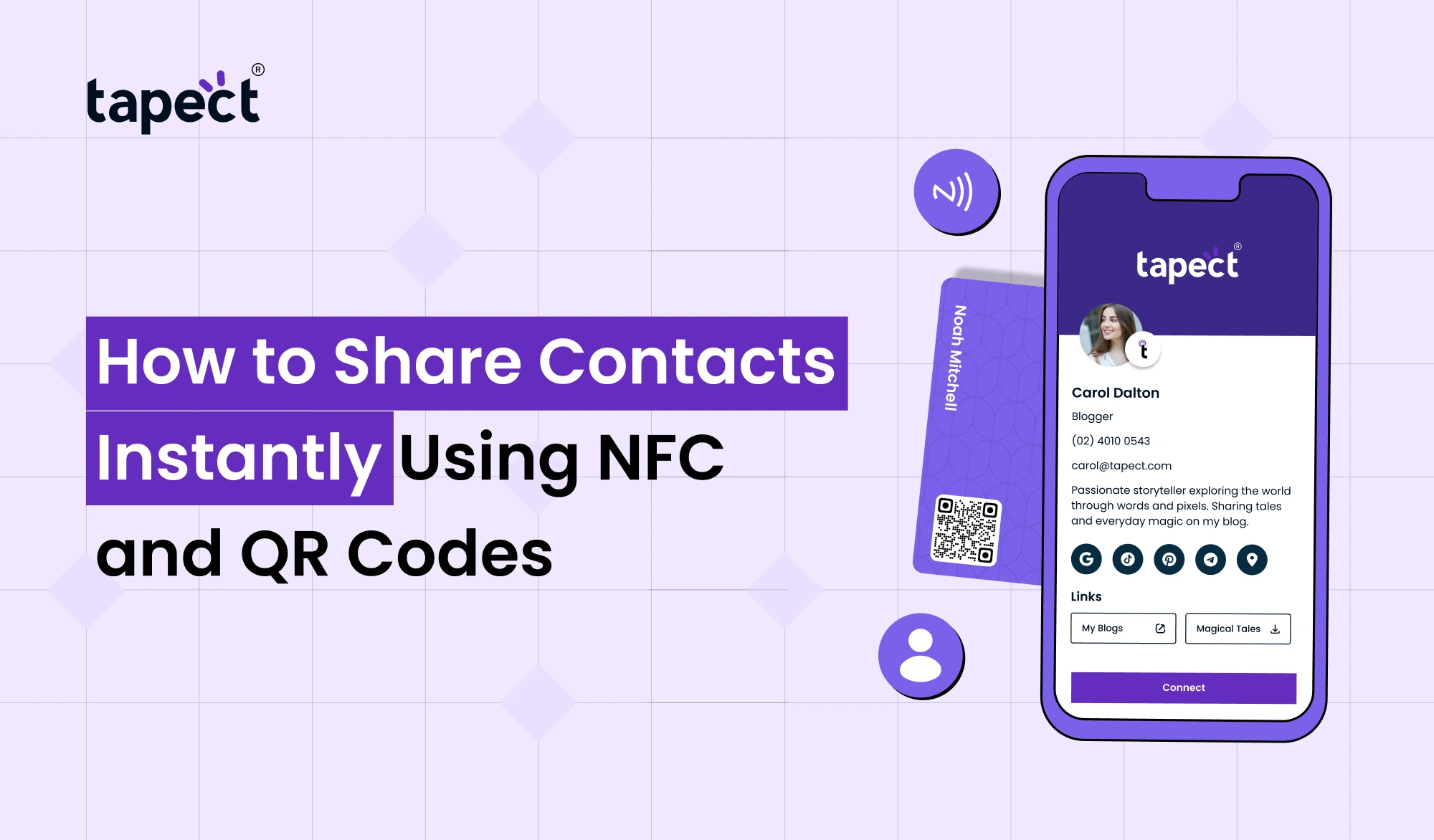
With NFC and QR code technology, Share Contacts Instantly much easier. Instead of passing around a traditional card and hoping someone saves your details later, you can let them tap or scan and get your contact instantly.
Digital Business Cards are fast, professional and easy to update. They are becoming increasingly popular with businesses and freelancers, entrepreneurs and sales teams. If you are at a networking event, meeting a client or introducing yourself to a new customer, knowing how to pass contacts with NFC and QR codes can help you make better connections.
In this guide, you will learn how NFC and QR codes work, why they are becoming popular, and how Tapect helps you share contacts instantly.
What Does It Mean to Share Contacts Instantly?
A lot of people wonder how to Share Contacts Instantly without typing phone numbers or email addresses.
Share Contacts Instantly is tapping or scanning to send your own contact information to someone else’s smartphone. You never need to write anything down or save any details yourself.
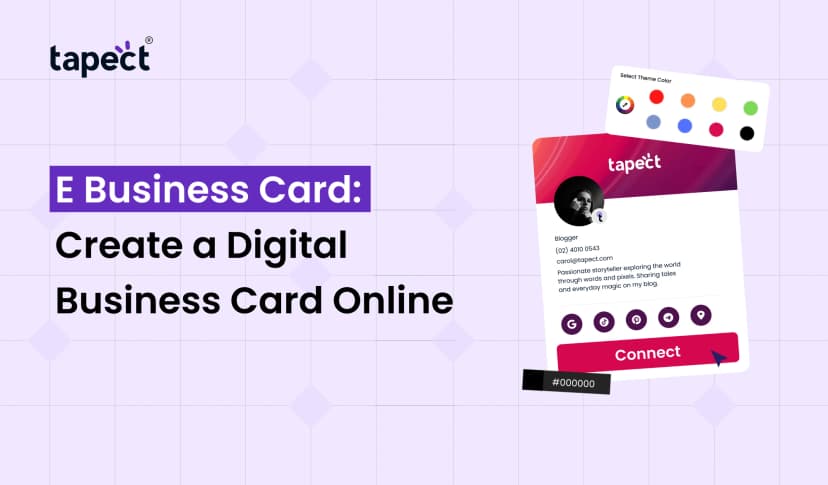
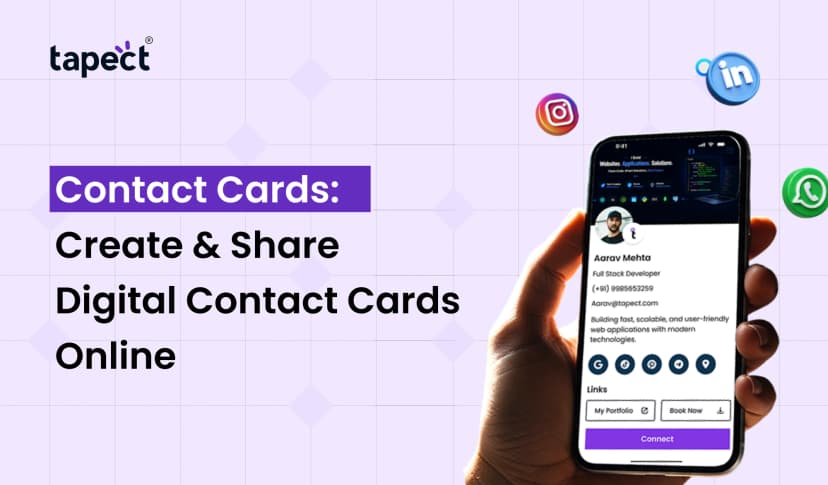
Modern Digital Business Cards make this easy. No more piles of paper cards; you just need one smart card that is always up to date.
Share Contacts Instantly will save you time and make a better first impression.
What is NFC Technology?
NFC means Near Field Communication. It allows two devices to communicate with each other at a very short range.
Your contact details are stored digitally with NFC Business Cards. Your profile will open up automatically when someone taps your card with their phone.
This makes Share Contacts Instantly than ever, you don’t have to type anything.
Benefits are:
- Share contact details with a tap
- Most cases no mobile app needed
- Safe and quick connection
- Compatible with most modern smart phones
Today many professionals are using NFC Visiting Cards as they simplify and impress the networking.
How QR Codes Help Share Contacts
Another intelligent method for sharing information is via QR codes.
A QR code is a small square image that people scan with their phone camera. When scanned, it will open your contact page, website or Digital Business Cards profile.
Looking for how to share contacts? A QR code makes it easy.
Benefits include:
- Works on Android and iPhone
- No physical contact required
- Easy to print on cards
- Great for online and offline marketing
A lot of companies use NFC and QR codes simultaneously so that their information is available for everyone.
Why Businesses Are Choosing Smart Contact Sharing
Traditional paper cards have their place, but they are limited.
People lose them, forget to save the contact or throw them away after an event.
That’s why many companies are now using Smart Business Cards.
These smart cards help the businesses:
- Share Contacts Instantly
- Update info Any time
- Lower printing costs
- Enhance networking
- Build a modern image
Knowing how to Share Contacts Instantly smart technology opens up more opportunities for future business.
How to Share Contacts Using NFC
You could be thinking: How do I share contacts via NFC? Very simple.
Step 1: Tap the Card
Place your NFC Business Card near the other person’s smartphone.
Step 2: The Phone Detects the Card
The phone reads the NFC chip automatically.
Step 3: Profile is now open
Your digital profile begins with your:
- Name
- Phone number
- Website
- Social media
- Company details
Step 4: Save Contact
The receiver just needs to tap on “Save Contact”.
That’s it.
This is one of the quickest ways to learn how to Share Contacts Instantly professionally.
How to Share Contacts Using QR Codes
QR codes are just as simple.
Scan the QR Code
Display on your Digital Business Cards or printed card.
Review the code
They open the camera on their phone and scan the other person.
See Your Profile
Your contact information appears right away.
Save information
One tap saves it all.
Find out how to share contacts using QR codes and never worry about typos again.
Why Digital Business Cards Are Better Than Paper Cards
Visiting Cards are traditional for years. Digital Solutions bring in much more.
Simple Updates
Changed your number?
Update it once without printing new cards.
Eco-Friendly
No waste paper.
More Information
You may include:
- Website
- Portfolio
- Videos
- Social media
- Maps
Digital cards make the process smooth and professional when people ask how to Share Contacts Instantly.
NFC Business Cards vs QR Codes
Both are good choices.
NFC Business Cards
- One tap
- Premium experience
- Faster sharing
- Looks modern
QR Codes
- Works on almost every phone
- No NFC support required
- Easy to print
- Budget-friendly
The best way is to use both together.
It’s an easy way to get your info out to anyone.
Why Professionals Prefer Smart Business Cards
Networking today is fast.
Nobody wants to type in phone numbers in meetings.
This is why NFC & QR Professional Visiting Cards are becoming popular.
They are popular with professionals because:
- Save your time!
- Look upscale
- Higher response rates
- Make networking memorable!
Share Contacts Instantly will distinguish you from your competitors.
Luxury Business Cards Leave a Lasting Impression
Luxury Business Cards are a choice many executives opt for due to the premium materials and modern technology incorporated.
Often these cards include:
- Metal finish
- Wooden design
- Matte texture
- NFC chip
- QR code
Professionalism is shown with luxury designs and easy Share Contacts Instantly.
Why Custom Visiting Cards Matter
No two businesses are the same.
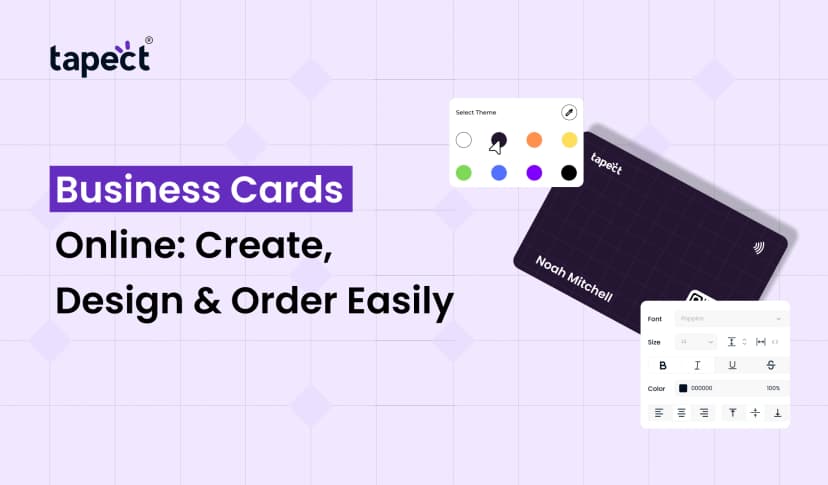
That is the reason so many professionals go for Custom Visiting Cards.
You can configure:
- Colors
- Logo
- Fonts
- QR code
- NFC chip
- Brand identity
Custom designs help people remember your business long after the meeting is over.
How to Share a Contact in WhatsApp
Many users also search for how to share a contact in whatsapp
The steps are as follows:
- Open WhatsApp.
- Open the chat.
- Tap the attachment icon.
- Choose Contact.
- Select the contact.
- Tap Send.
WhatsApp works well, but Digital Business Cards make it easier as they do so much more than just a phone number.
You can also add your WhatsApp link to your digital profile for easier communication.
Best Places to Use NFC and QR Contact Sharing
Knowing how to share contacts can help in a lot of situations.
Use smart contact sharing during
- Business meetings
- Trade shows
- Networking events
- Conferences
- Sales visits
- Retail stores
- Real estate meetings
- Exhibitions
- Client presentations
- Corporate events
Each encounter is an opportunity to forge a lasting connection.
Tips for Better Contact Sharing
For best result:
- Keep your profile updated.
- Add a professional photo.
- Include your website.
- Add social media links.
- Use a clear QR code.
- Test your NFC card regularly.
- Keep your branding consistent.
- Include a strong call-to-action.
These small refinements make Share Contacts Instantly all the more effective.
Why Choose Tapect?
At Tapect we believe that a network should be simple, smart, memorable.
Our Digital Business Cards, NFC Business Cards, NFC Visiting Cards, Professional Visiting Cards, Luxury Business Cards and Custom Visiting Cards are designed to assist professionals in sharing their information instantly without hassle.
With Tapect you can:
- Share your contact in one tap or scan.
- Change your details at any time.
- Include social media, websites, portfolios and WhatsApp
- Make a first impression that counts
- Network smarter without having to print new cards each time
Tapect helps you connect faster and grow your network with confidence, whether you are a business owner, freelancer, seller, or a corporate professional.
FAQs
1. How to Share Contacts Instantly?
A tap or scan is all it takes to Share Contacts Instantly information using NFC or QR code technology.
2. Are NFC Business Cards Compatible With Any Phones?
Most newer iPhones and modern Android devices support NFC. If no NFC is available, users can scan the QR code.
3. Are Digital Business Cards Superior to Paper Cards?
Yes. They are easy to update, eco-friendly and hold much more information than traditional Visiting Cards.
4. How to share a contact on WhatsApp?
Open the chat, tap the attachment icon, choose Contact, select the contact and send it.
5. Is it possible to have NFC and QR codes on one card?
Yes. These together give the easiest way for users to get to your contact information regardless of their phone.
Conclusion
One of the easiest ways to improve your networking experience is to learn how to share contacts using NFC and QR codes. Forget about paper cards that are lost or forgotten, you can now share your details in an instant with a tap or scan.
Modern solutions such as digital business cards and NFC business cards will help you make better first impressions, save time, and connect with more people. With Tapect’s smart technology you’ll simplify networking, build lasting relationships and turn every meeting into a new business opportunity.
Call to Action
Ready to change your networking?
Say goodbye to traditional paper cards and hello to Tapect’s Digital Business Cards. Share contacts faster and smarter using NFC and QR technology.
Tapect has the perfect solution for your business whether it is NFC Business Cards, Luxury Business Cards, Professional Visiting Cards or Fully Custom Visiting Cards.
About Tapect – Start sharing contacts instantly today and make every connection count.
 8/18/2026
 Guides