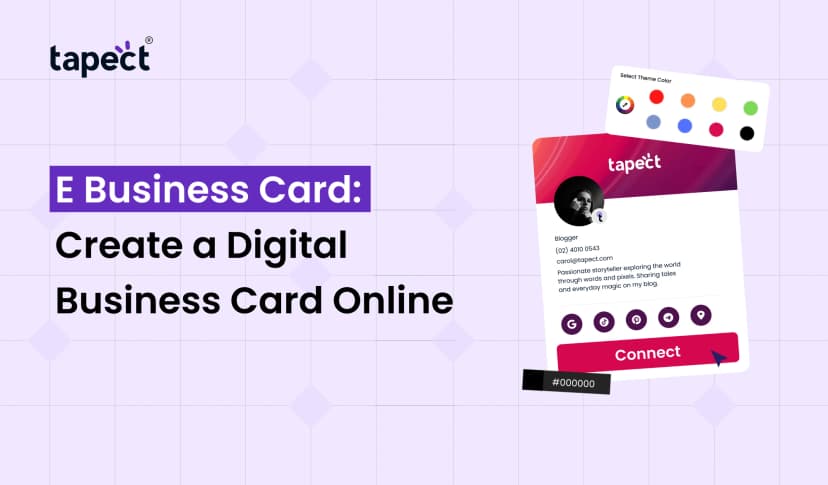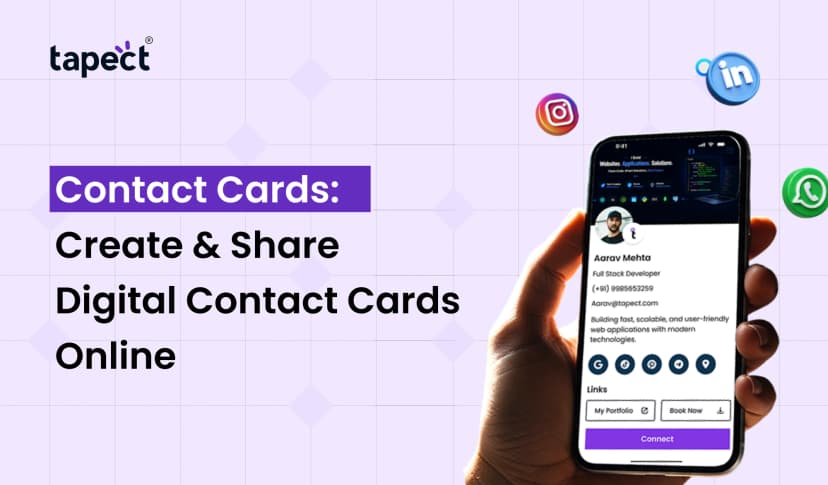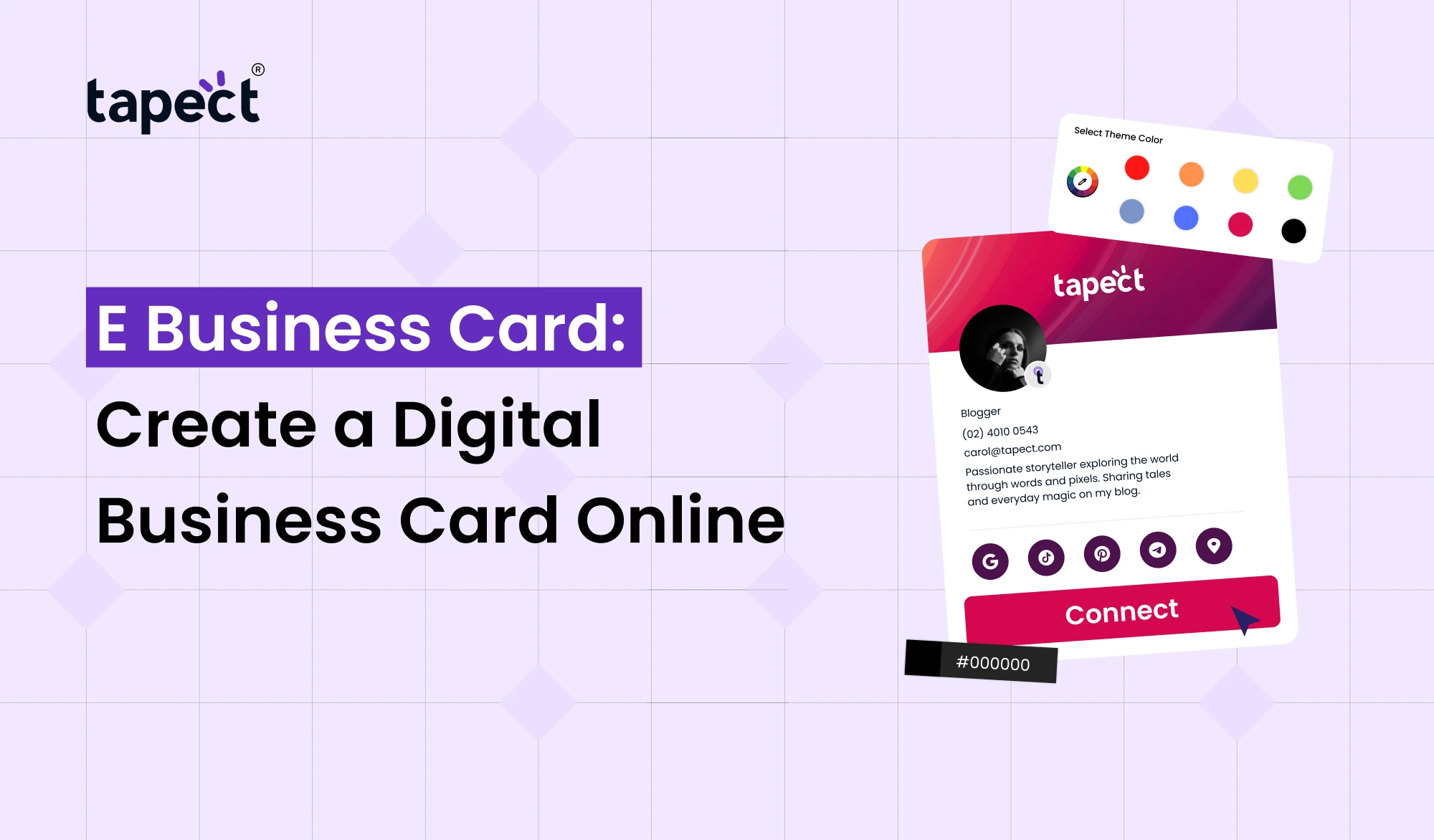
An E Business Card is a convenient way to share your professional details without carrying a stack of paper cards. Rather than giving a printed card, you can send a link, show a QR code or tap an NFC-enabled card. All your contact info, website, social media profiles and other links in one place.
This makes it easier for networking among professionals and business owners. You can update details later without having to print new cards. Here’s how to create, design and share one with Tapect.
What Is an E Business Card?
E Business Card is a modern version of the traditional card. It saves your contact details in an online profile.
Your profile can include your name, job title, company, phone, email, website, social links, photo, logo, booking link or portfolio.
An electronic business card can be updated whenever your information changes, unlike a paper card. It makes it useful for people who change jobs, phone numbers, websites or services often.
Why Choose an E Business Card?
E Business Card can make every introduction easier to handle.
A digital card is not just a paper card transferred online. It can accelerate the whole process of sharing information.
An E Business Card allows a new contact to save your details with fewer steps. It can also be a direct way for people to visit your site or send you a message.
Key Benefits
Easy to Share
You can share an E Business Card as a link or QR code. You can add the link to your email signature, social profile or message.
Easy to Update
Updated your phone number or website? One time update your profile. There is no need to throw out old cards and print new ones.
Better Networking
A Digital Business Card can contain more information than a small printed card. You can add several links without the design looking crowded.
Works Anywhere
You can share an Online Business Card with a local contact or someone in another country. All they need is to be connected to the internet to view your profile.
More Professional
A Smart Business Card adds a modern twist to your networking experience. It also helps people to remember your brand after a meeting.
How to Create an E Business Card
Start with the information you want your audience to see.
Add Your Basic Details
John Smith Account Manager Acme Corp (555) 123-4567 john.smith@acmecorp.com Please check all details before publishing.
Add Your Business Links
Add your website, social media accounts, portfolio, booking page or WhatsApp link if they are useful for your audience.
Choose a Clean Profile
Keep the profile simple. Visitors should get a quick sense of who you are and what you do.
Add a Call to Action
Tell visitors what you want them to do. You can use a button like ‘Save My Contact’, ‘Call Me’, ‘Visit My Website’ or ‘Book a Meeting’.
Design Tips for a Better Digital Card
Keep the layout clean and mobile-friendly. Use your brand colours, a clear photo or logo, readable text and short buttons. Keep your primary contact option easily accessible.
How to Share Your E Business Card
It’s easy to share your E Business Card.
Share by QR Code
The QR code allows a person to scan your card and get to your profile.” You can print the code on advertising material or show it on your phone.
Share by Link
Copy your card link and share it on WhatsApp, email, SMS or social media. This is useful when networking remotely.
Share Through NFC
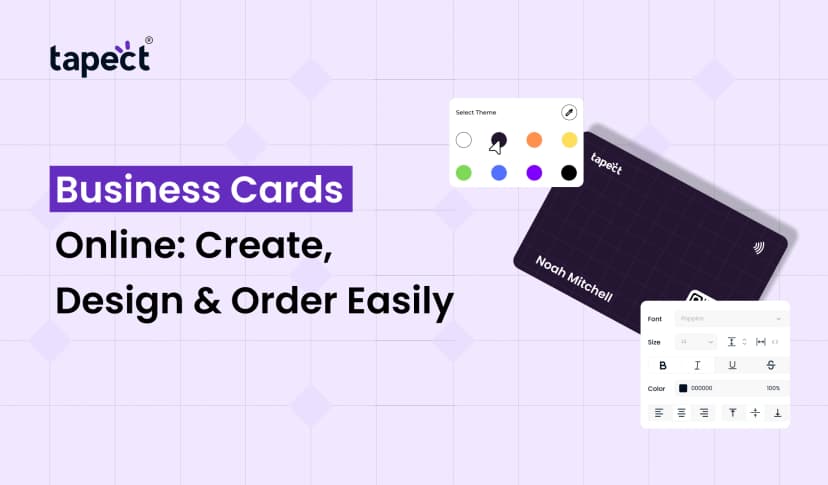
NFC Business Cards allow people to tap their phone on the card and access your digital profile. It is fast and useful at conferences, meetings and events.
Add It to Your Email Signature
Another place to share your card is in your email signature. This can turn business emails into networking opportunities.
E Business Card vs Traditional Business Card
The traditional card is simple and familiar but has limited space. Once printed, the information cannot be altered.
E Business Card is flexible. It can store contact info, links, photos, videos, social profiles & other useful info. You can change it without changing the card you already shared.
How Tapect Makes Digital Networking Easier
Tapect enables professionals to create their digital profile & share details thru QR codes & NFC.
The purpose is simple : Get people to know you, save your contact and connect to your business.
Electronic and Digital Card Options
An electronic business card is good for quick sharing. A digital business card keeps key links in one place. Virtual Business Cards are ideal for remote networking. You can share the Online Business Card from almost every platform. A Smart Business Card makes a strong first impression. NFC Business Card gives contacts the option of a quick tap. A Digital Contact Card arranges contact details. “Paperless Business Card” can reduce the need for routine printing.
A Electronic Business Card is a great time saver for busy professionals. A Digital Business Card offers more ways for contacts to connect. A digital profile is useful for online meetings. An Online Business Card lets you easily share it online. The Smart Business Card has useful digital features. A tap-enabled card makes it faster to share in person. Keeping a Digital Contact Card up to date is easy. Virtual Business Card is Useful for Remote Introduction.
A paperless business card fosters a cleaner way to network. It also makes sharing Virtual Business Cards easier. A Paperless Business Card is easy to share and
FAQs
What is E Business Card?
An E Business Card is an electronic version of a traditional business card. It allows to share contact information and business links via phone, computer, QR code or NFC.
Is e business card better than paper business card?
Depends on how your networking is. Digital cards are easier to keep up to date and can hold more information.
Can I send an E Business Card via WhatsApp?
Yes. Share the link to your digital card on WhatsApp, email, SMS and other messaging platforms.
Does E Business Card support NFC?
Yes. Compatible phone taps on your NFC Business Card can launch your digital profile.
Can I update my information after I’ve made the card?
Yes. Information can be changed without the need to issue a new card.
May I provide my team with an E Business Card?
Yes. For businesses, digital cards are available for employes and sales teams.
Conclusion
An E Business Card helps you to network professionally faster, simpler and easier to manage. Instead of simply printed information, you can give contacts a profile that connects them to your business in a few taps.
Whether you are a freelancer, entrepreneur, sales professional or growing company, a digital card helps you be ready for every networking opportunity.
Tapect is a modern approach to sharing contacts, using online profiles, QR codes and NFC. Create your card, add your most important details, test all the links and start sharing it everywhere you meet potential customers or partners.
Ready to Upgrade Your Networking?
Make every connection count. Get your Tapect E Business Card today.
 8/18/2026
 Guides