The way we talk to people has altered in today’s fast-paced digital world. A basic paper card isn’t enough to make a significant impact anymore. People want to communicate information in smart, quick, and easy ways. A digitised business card comes in handy there.
You can quickly design, customize, and share your contact information with tools like Tapect. You don’t have to print anything, and you don’t have to worry about losing cards. Everything is stored and shared online.
Let’s look at how you may construct a digital business card and utilise it to meet new people and expand your network.
What is a Digital Business Card?
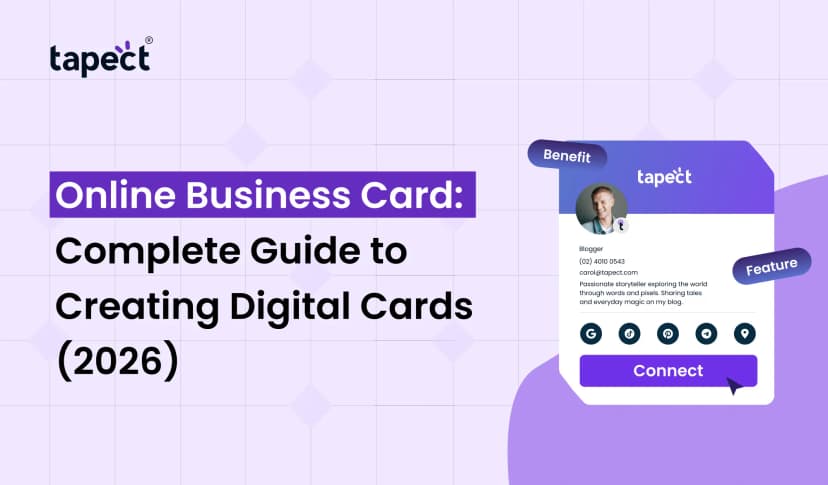
A digital business card is like a regular business card, but it’s online. It keeps all of your contact information, social media links, website, and more in one place.
You don’t have to give someone a paper card; you may share your profile with them using a link, a QR code, or even NFC technology on your business card. This makes your card look new and easy to use.
A lot of people now like digital business cards better because they are faster and more flexible.
Why Choose a Free Digital Business Card Maker?
Anyone can generate a digital business card with a free program like Tapect, even if they don’t know how to design.
Easy to Use
You don’t need to know anything about technology. A decent nfc card platform has templates that are ready to use.
Cost Saving
No fee for printing. You can change your business card online whenever you want, and it won’t cost you anything.
Quick Sharing
You can send your card by email, WhatsApp, or QR code.
Always Updated
Just modify your digital business card whenever your phone number or email address changes. You don’t have to print again.
Key Features of a Good Digital Business Card Platform
There are differences between tools. A good digital business card platform should have useful features.
1. Simple Design Options
Pick clean templates that fit with your brand.
2. Easy Editing
You should be able to make a digital business card and change it whenever you want.
3. QR Code Integration
Add a QR code so that it can be scanned quickly.
4. NFC Support
Some platforms let you share NFC business cards with tap technology.
5. Mobile Friendly
All devices should be able to use a competent digital business card app without any problems.
How to Create Digital Business Card with Tapect
It’s easy and quick to make your digital business card with Tapect.
Step 1: Register
Set up your account on Tapect.
Step 2: Add Your Details
Please provide your name, phone number, email address, and business information.
Step 3: Customize Design
Pick colours, a layout, and a design that fit your brand.
Step 4: Add Links
Add your website, social media, or portfolio.
Step 5: Save and Share
You can distribute your digital business card right now.
Different Ways to Share Your Digital Business Card
One of the best things about a digital business card is how easy it is to give to others.
QR Code
People scan and acquire your information right away.
Link Sharing
Send your business card through chatting apps online.
NFC Tap
People can tap their phones on your business card nfc to see your profile.
Email Signature
Put a link to your digital business card in your email.
Digital Business Card vs Traditional Business Card
Let’s look at both choices:
Traditional Business Card
- Limited information
- Can be lost easily
- Printing cost
- Hard to update
Digital Business Card
- Unlimited details
- Easy to share
- No printing needed
- Quick updates
In today’s digital world, a nfc card is certainly better.
How Digital Business Cards Help in Networking
A digital business card makes it easier to network.
Quick Link
In seconds, people can save your contact.
A Better Impression
You seem trendy and professional when you use products like Tapect.
More Involvement
You can add videos, websites, and other things to your nfc card.
Getting Leads
People can get in touch with you directly when they look at your profile.
Role of NFC in Digital Business Cards
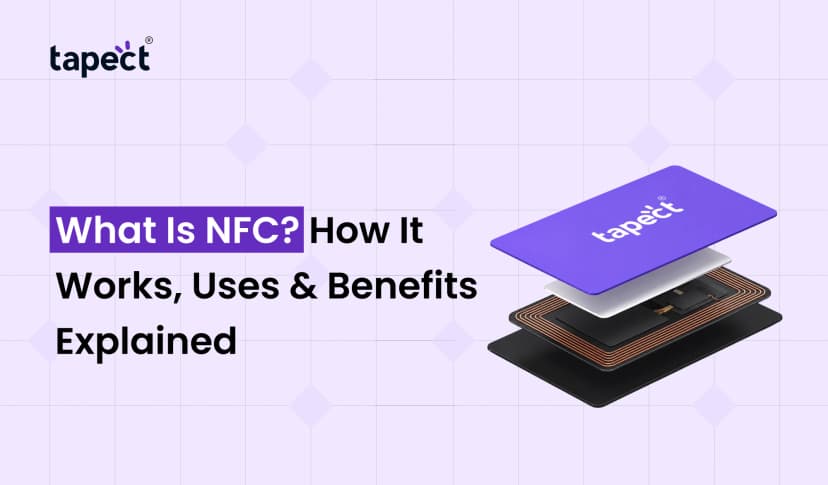
The technology for NFC business cards is growing quickly.
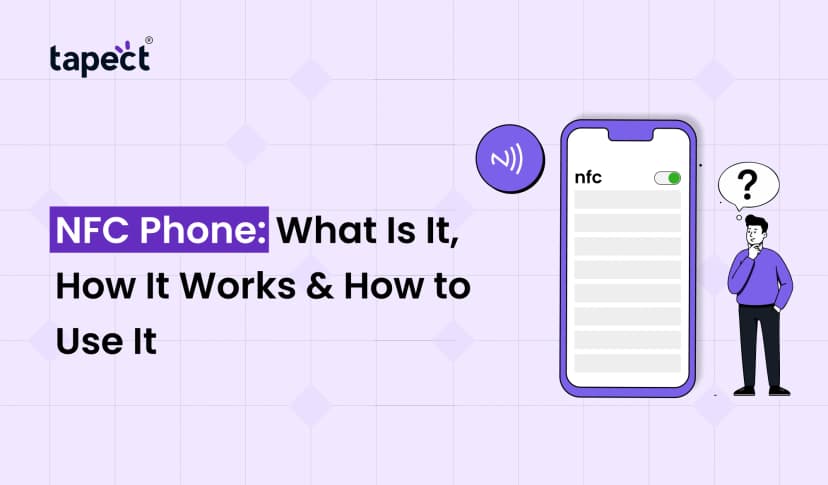
You can share your nfc card by touching phones together with NFC. You don’t need to scan.
This speeds up and smooths out networking, especially during events.
You have a big advantage when you combine NFC with your digital business card platform.
Design Tips for Better Digital Business Card
A good design makes an impact bigger.
Keep It Clean
Don’t write too much.
Use Clear Fonts
Make your information easy to read.
Add a Profile Photo
People can remember faces better.
Use Brand Colors
Be true to your business identity.
A digital business card that is well-designed appears professional and makes people trust you.
Common Mistakes to Avoid
A good tool nevertheless needs to be used in the appropriate way.
Information that is missing
Always offer crucial information.
Too Many Links
Make it easy and helpful.
Bad Design
A sloppy nfc card has less of an effect.
Not Updating
Keep your nfc card up to date at all times.
Best Use Cases for Digital Business Cards
Many professionals can use a nfc card.
Business Owners
Easily share services and contact information.
Freelancers
Show off your work and get in touch with clients.
Sales Teams
Quickly get leads.
Job Seekers
Make your profile stand out with a modern look.
Why Tapect is a Smart Choice
Making a digital business card is easy and useful with Tapect.
- Easy to use interface
- Fast sharing options
- Supports business card nfc
- Works as a complete nfc card platform
You don’t just make a card with Tapect; you make a clever connecting tool.
Future of Digital Business Cards
The future is all about technology. Businesses are increasingly turning to smart solutions.
In many fields, nfc card will soon take the place of regular cards.
Sharing information will get much faster as more people use cellphones and NFC business cards.
Today, using a digital business card app puts you ahead of the others.
FAQs
1. What is a business card that is digital?
A nfc card is an online version of a regular card that has your contact information and links on it.
2. Is it free to make a nfc card ?
Yes, you can make a nfc card for free on sites like Tapect.
3. What are some ways I can share my nfc card?
You can send it using a website, a QR code, or an NFC tap on a business card.
4. Can I change my nfc card at any time?
You can change your nfc card whenever you like.
5. Do you need NFC for digital business cards?
No, however an NFC business card makes it easier and faster to share.
Conclusion
If you want to extend your network, a nfc card is no longer just an option; it’s a sensible decision. It saves time, costs less, and makes sharing easy.
You can make a nfc card in minutes with tools like Tapect and share it in a number of ways. The purpose of QR codes, links, and NFC business card technology is the same: to make it easy to connect.
Get a nfc card today and make every conversation a chance.
 8/6/2026
 Guides